Inspect & Edit
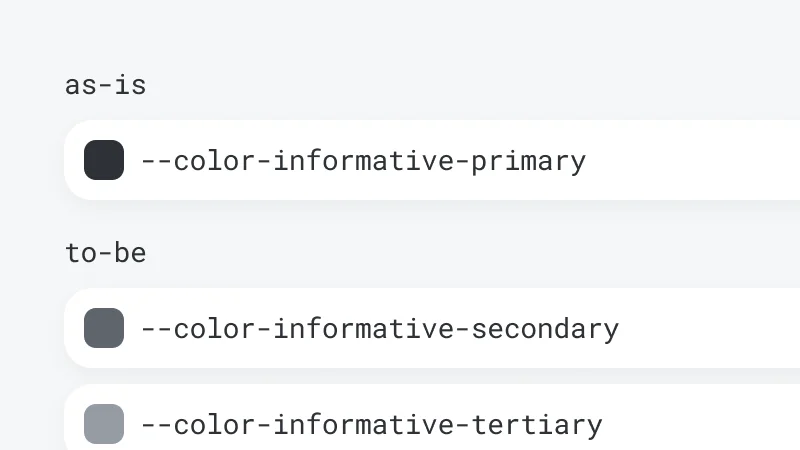
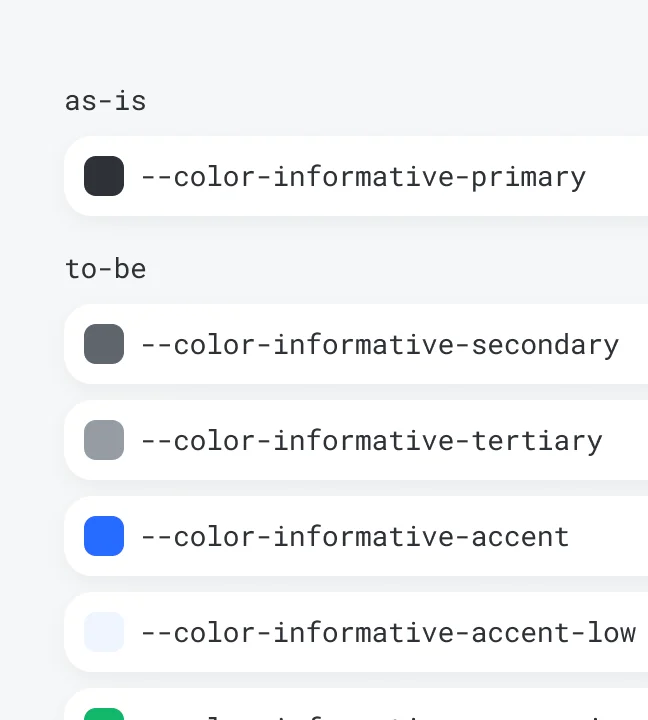
Click any element to view its styles, then tweak them live in the visual editor.

Discover, fix, capture, and report bugs
— all with BugShot.
Click any element to view its applied styles and attributes.
Click any element to view its styles, then tweak them live in the visual editor.
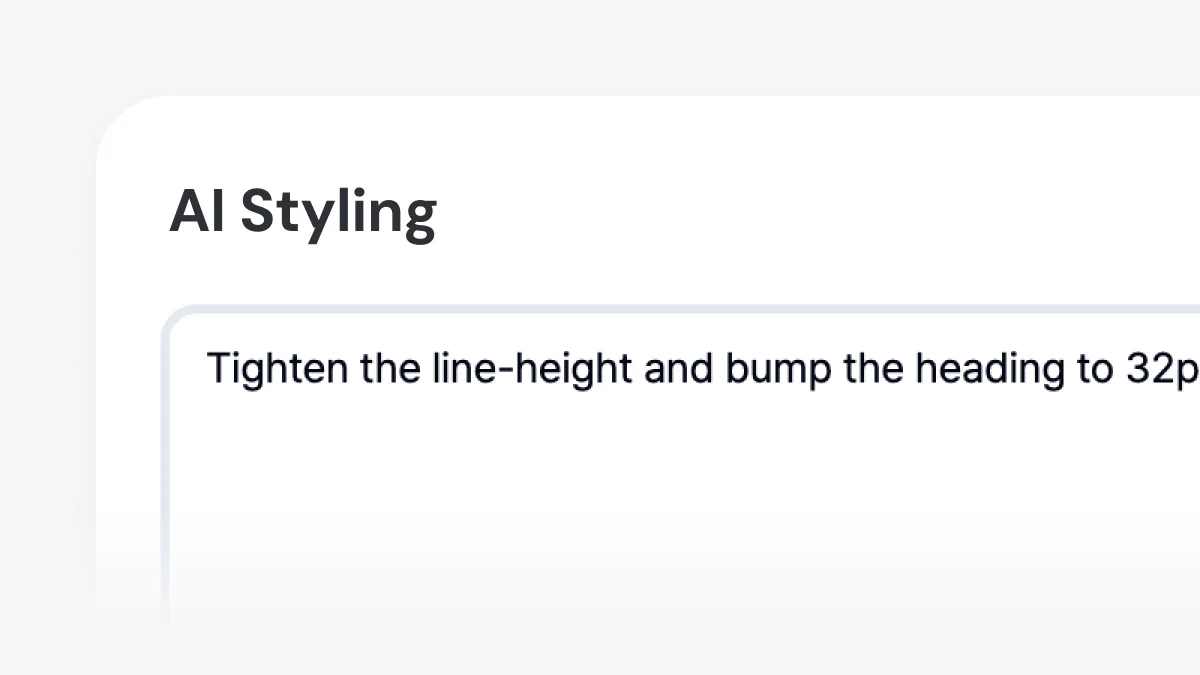
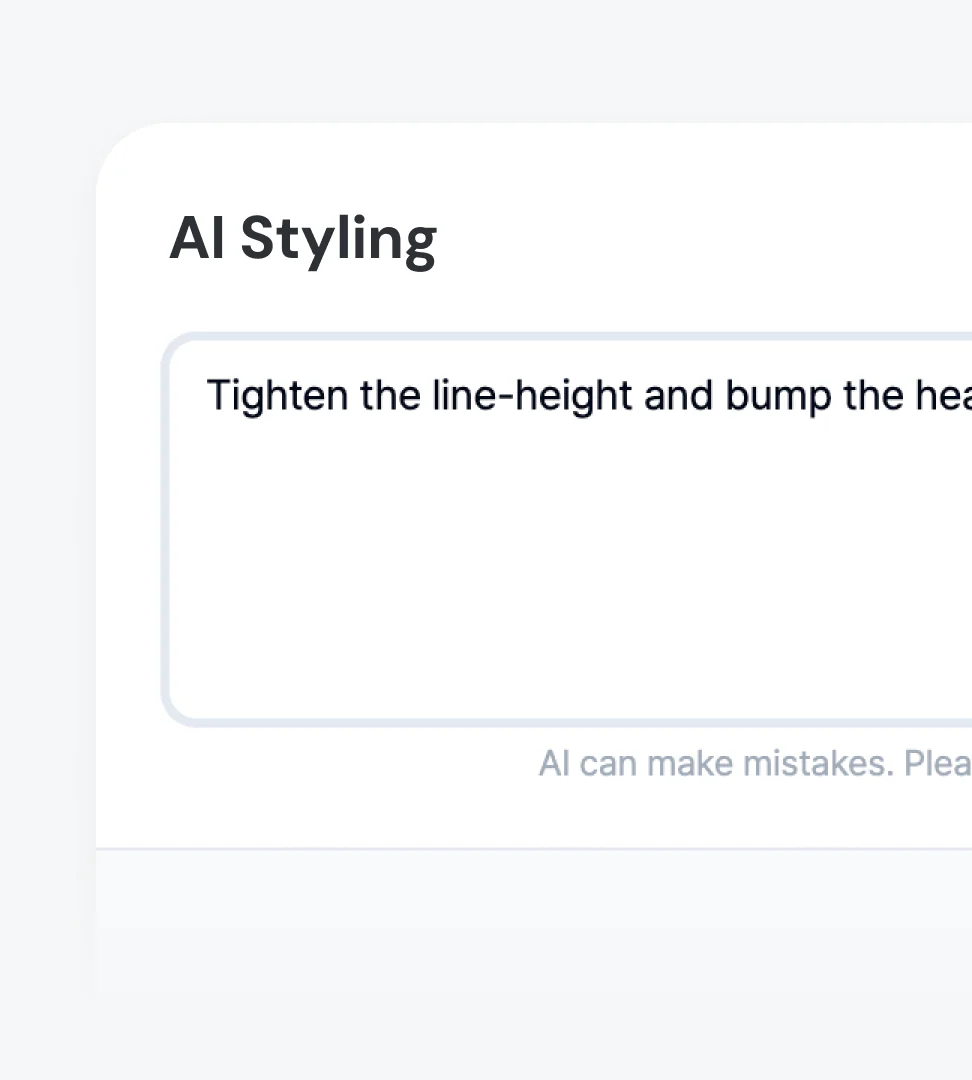
Describe the change in plain language and AI rewrites the CSS — compare before and after right on the page.
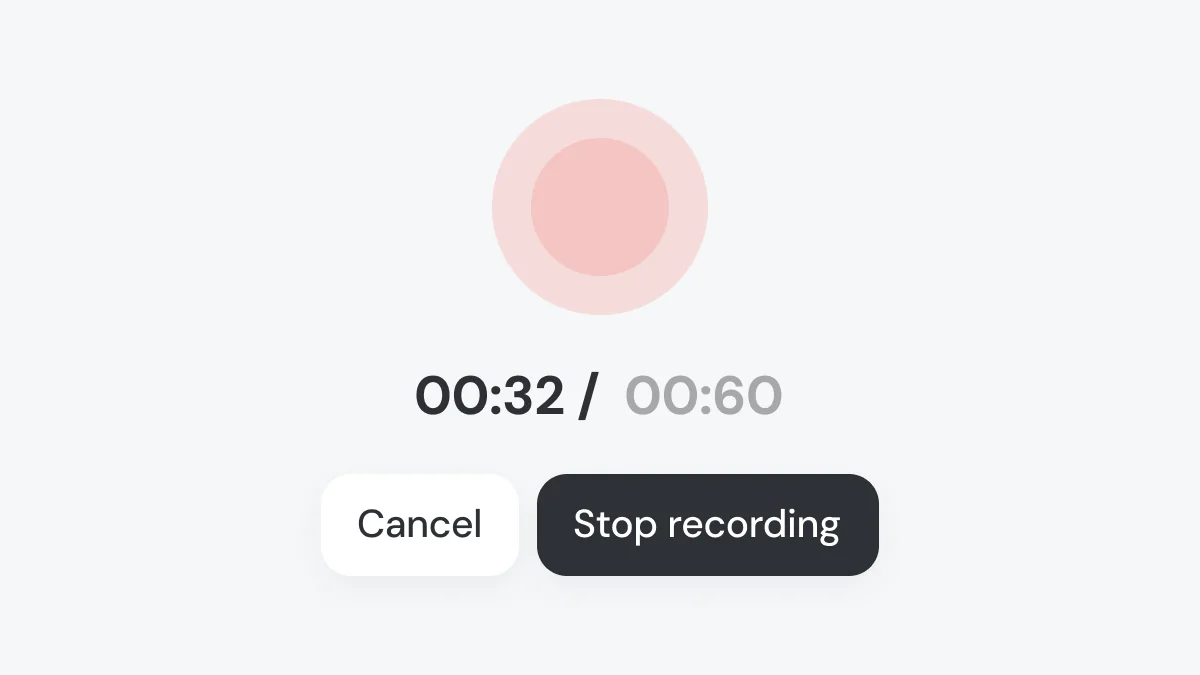
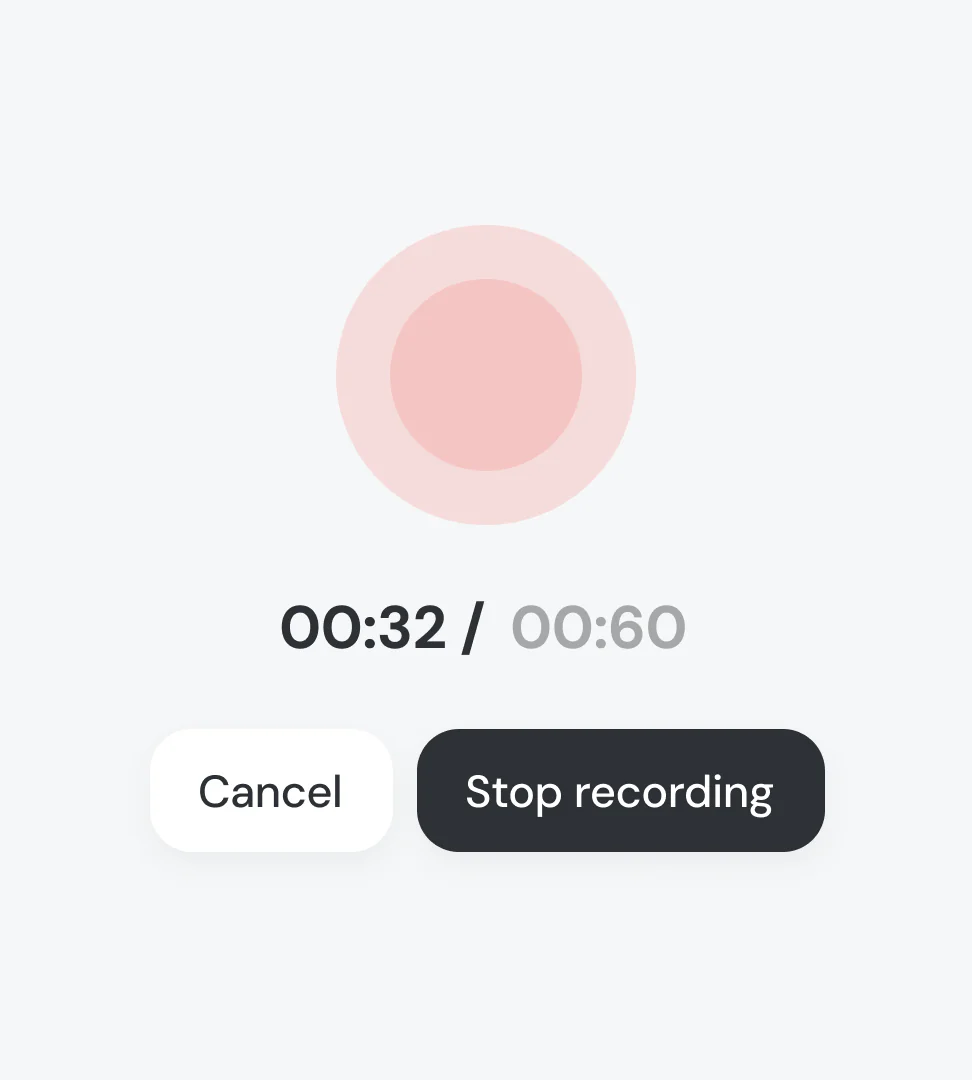
Record live, or grab the last 30 seconds from the always-on replay — catch the bug even after spotting it.
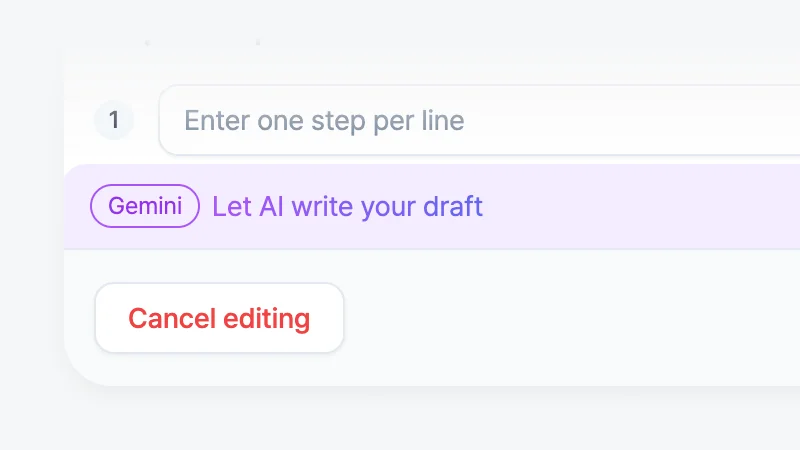
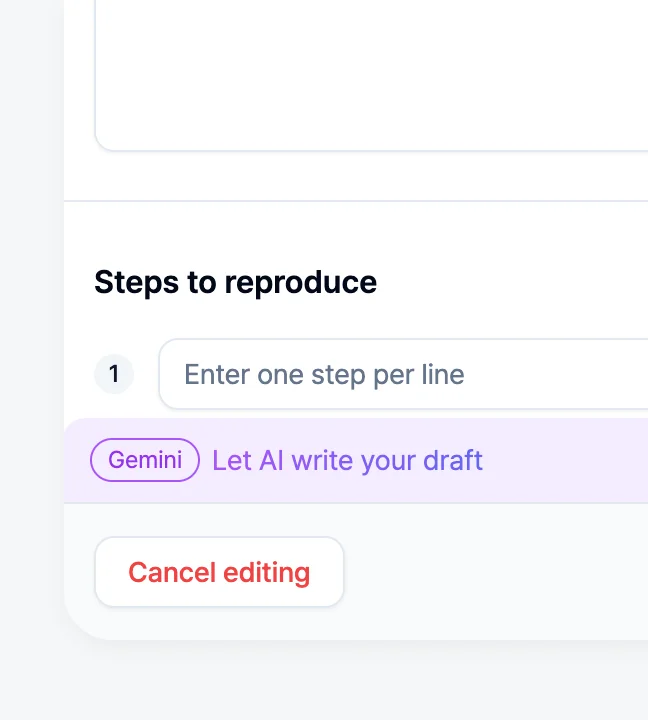
Turn captured data into a structured report with steps, expected, and actual behavior.
Browser, resolution, and DOM context come with every report — no more asking the reporter what setup they were on.
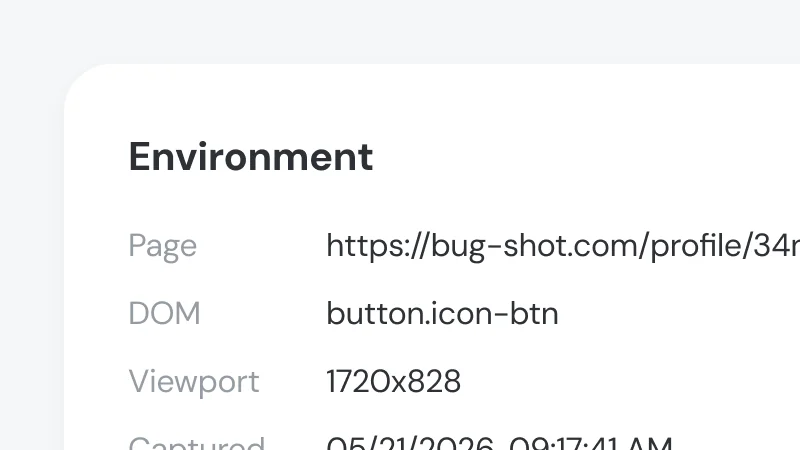
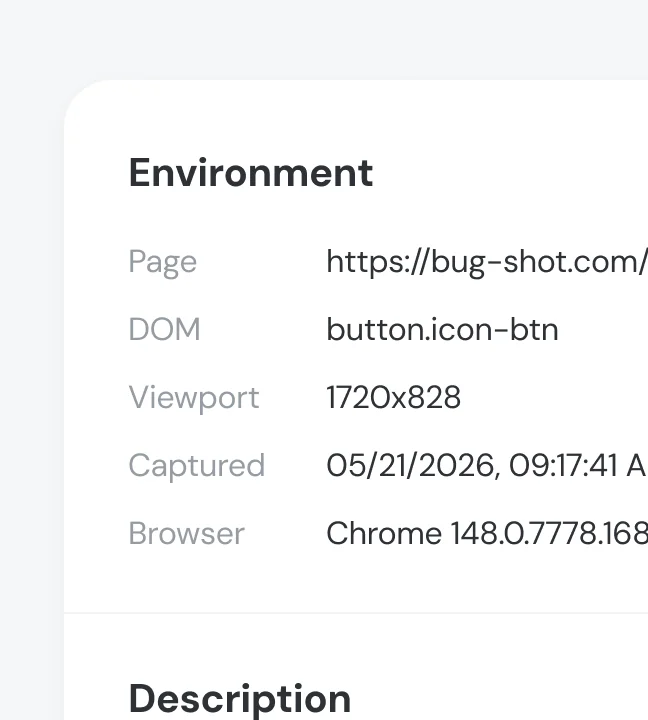
Submit tickets with full attachments to Jira, GitHub, Linear, Notion, and more in one click.


Open the attached log viewer and the video plays in sync with console, network, and action logs.
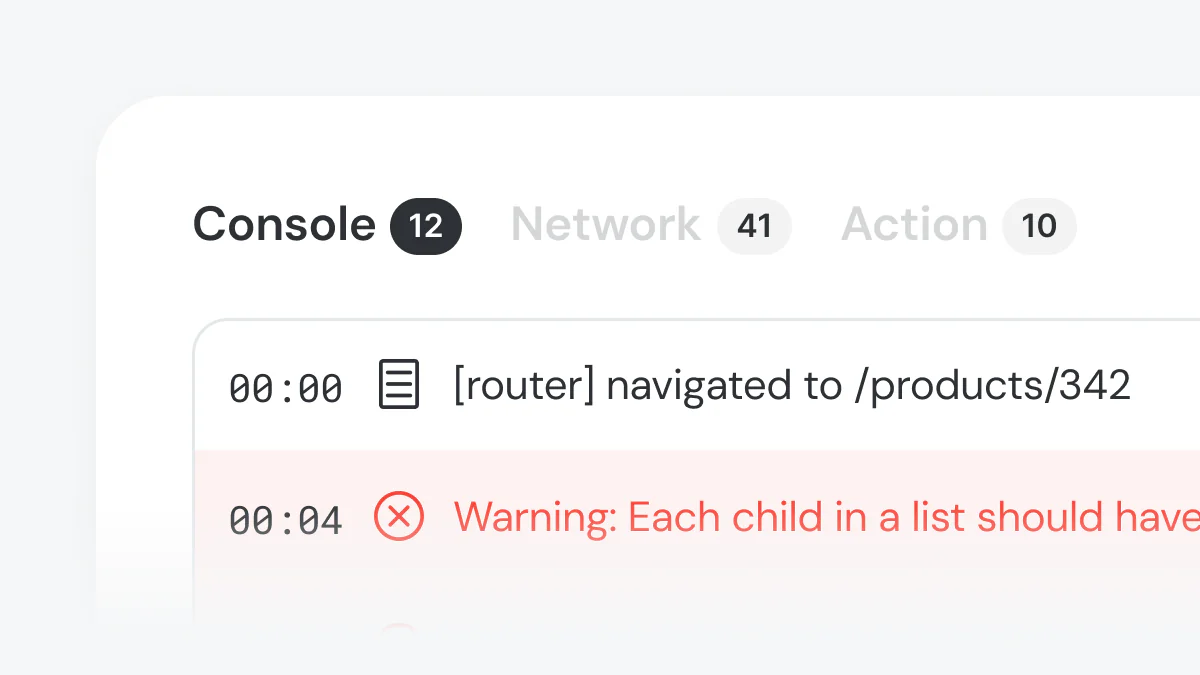
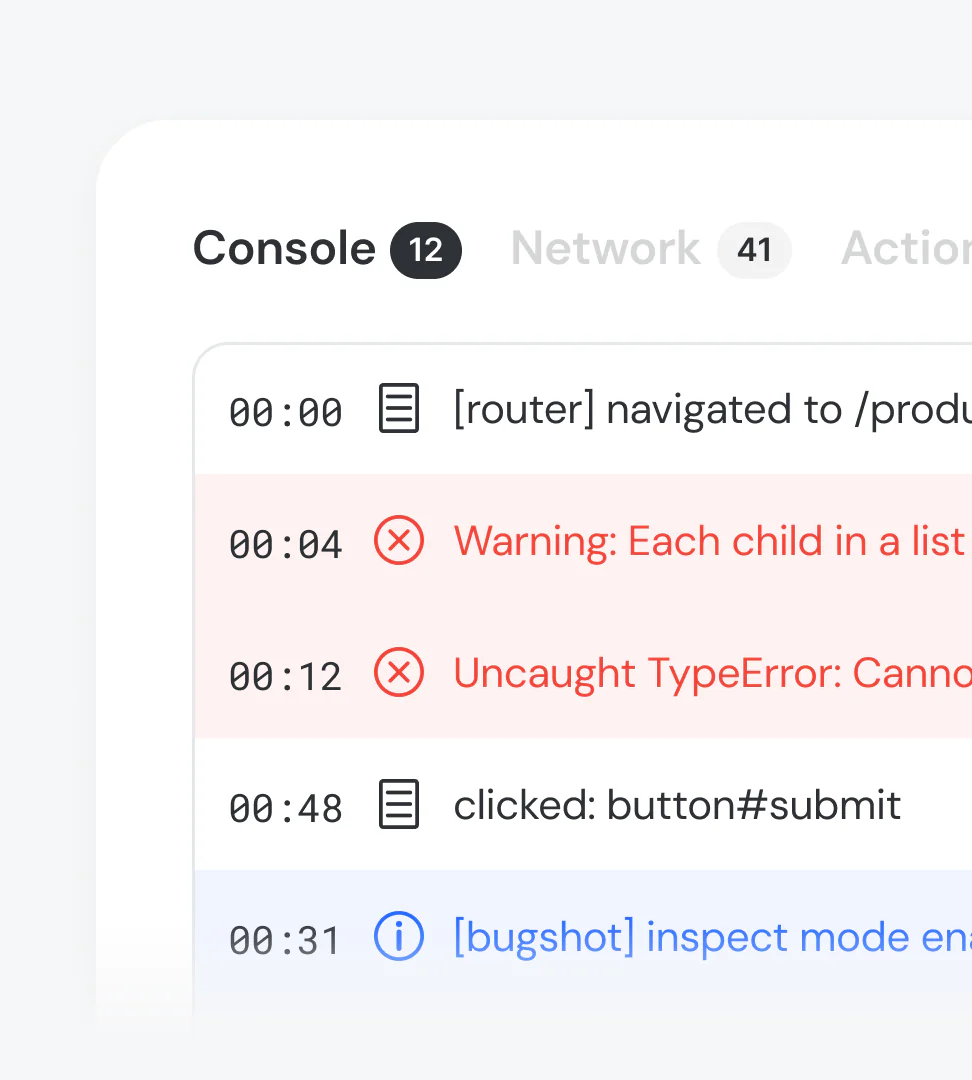
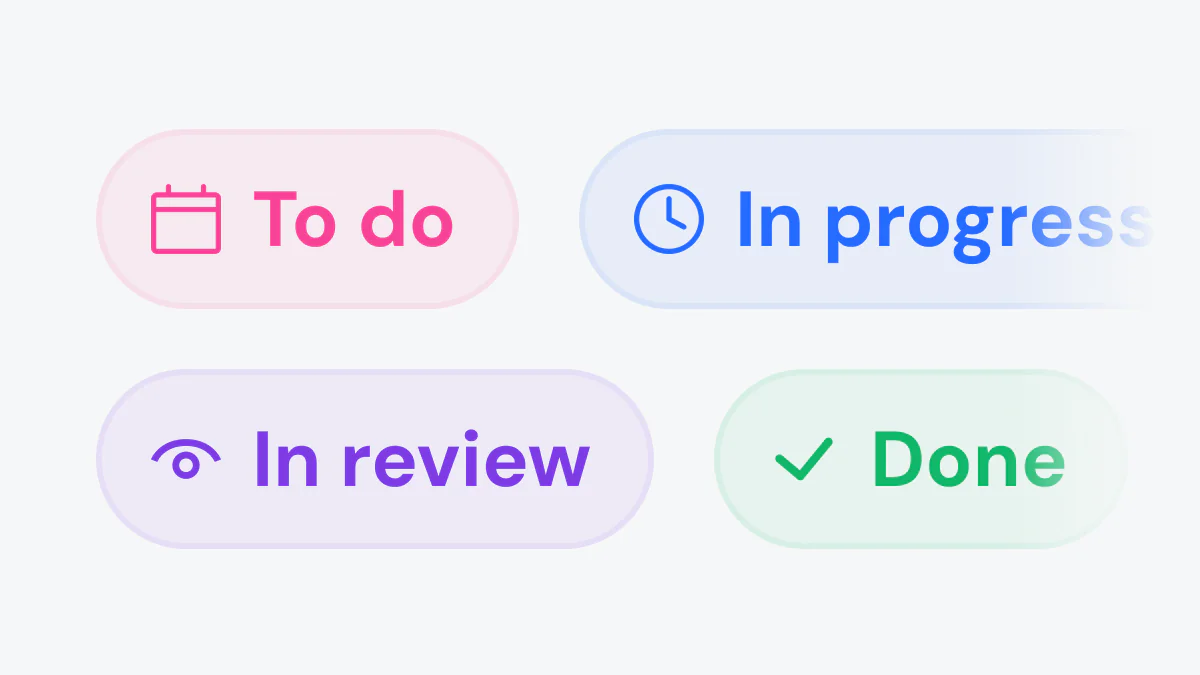
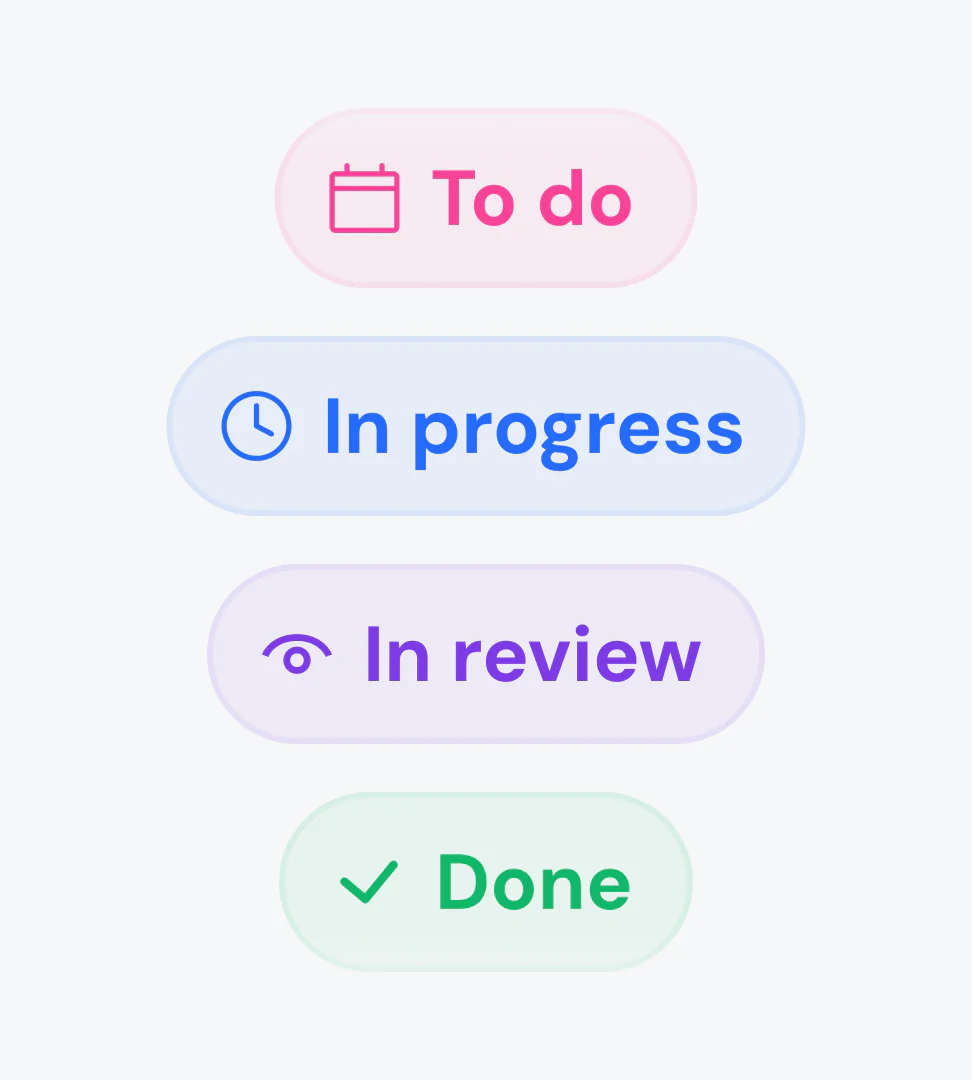
Check the status of submitted issues in real time inside BugShot, and update them without opening your tracker.
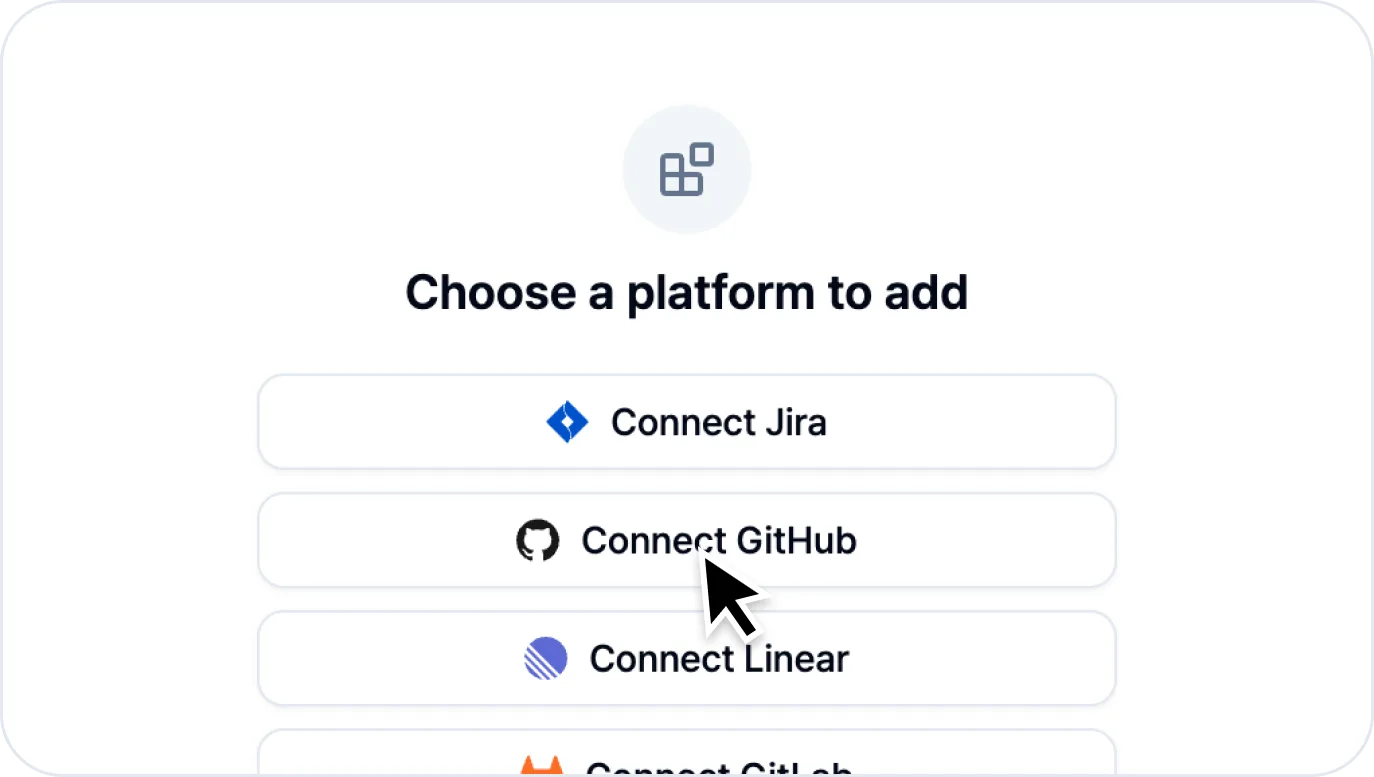 Link Jira, GitHub, Linear, Notion, and more via OAuth or API key. Projects, labels, assignees, and priorities sync automatically — no reconfiguration needed when filing issues. See the Integrations docs for details.
안**, QA Engineer
“I used to juggle DevTools, screenshots, and Jira separately — now it all happens in the browser without breaking my flow. Replacing text explanations with visual diffs and recordings cut our back-and-forth way down.”Chrome Web Store Review
From bug discovery to issue submission —
all without leaving the browser.