
About BugShot
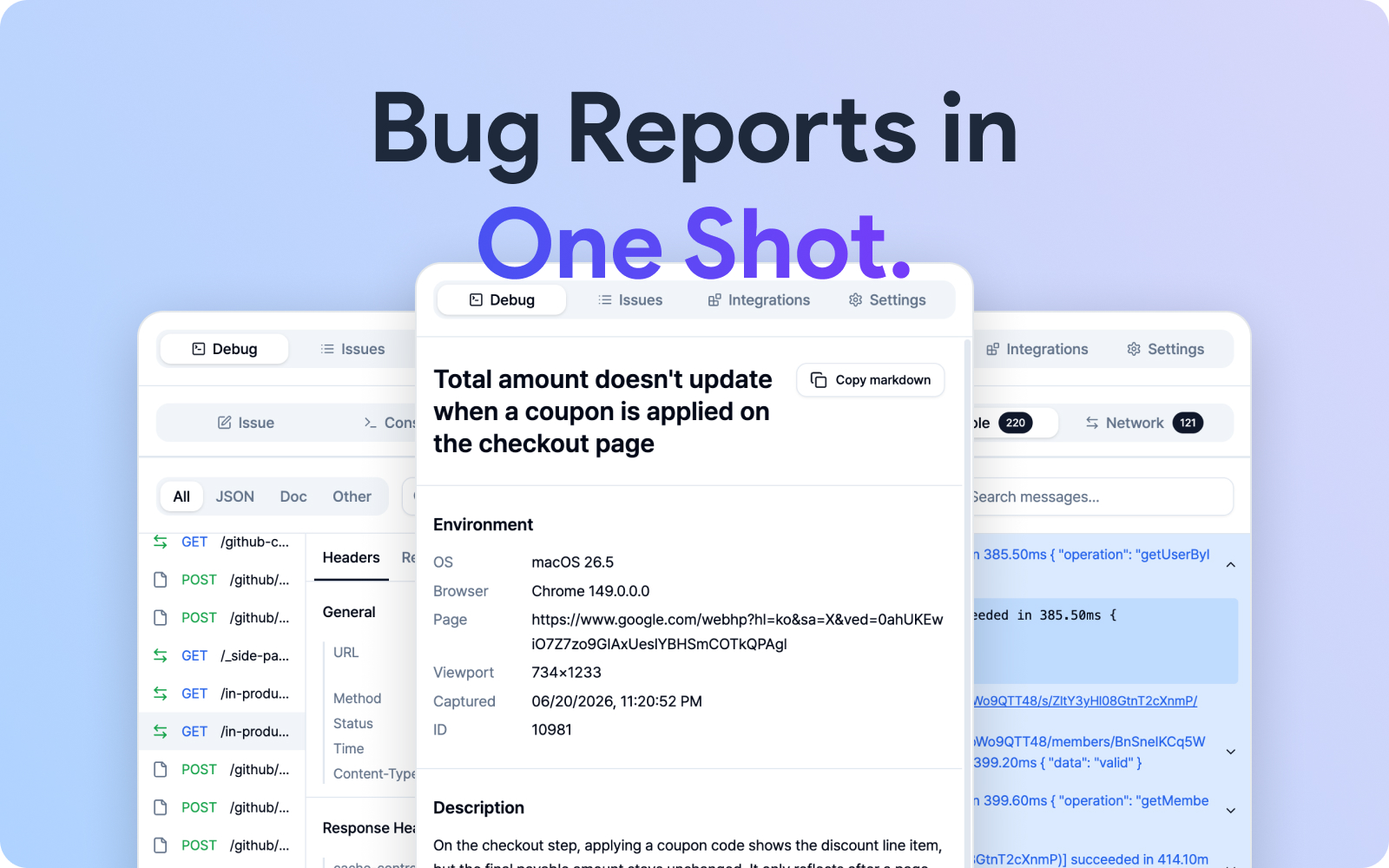 Bug Reporting in One Shot — the BugShot side panel showing a finished issue with its environment filled in, layered over the captured network and console logs
Ever spotted a bug and thought, "how do I even explain this?" That's exactly the moment BugShot was built for.
BugShot is a Chrome side panel extension that lets you pick DOM elements on a web page, tweak and compare their styles, and file the result as an issue on Jira, GitHub, Linear, Notion, GitLab, Asana, or ClickUp — or send it to a server you built yourself. Capture right where you spot the bug, and ship a report that bundles the environment, screenshots, video, and logs in one shot.
No more typing out "the color of this button looks off" — one click does it.

 chromewebstore.google.com
The four main tabs
It looks like a lot at first, but don't worry — the side panel is just four tabs, and they click into place quickly.
- Debug — Pick a capture mode (Edit element style, Capture element, Screenshot, Record screen) and write your issue here. Console and network logs live here too.
- Issues — Browse your drafts and submitted issues, and reopen them anytime.
- Integrations — Connect platforms like Jira and GitHub. With nothing connected yet, a banner on the capture screen points you here.
- Settings — Set up the issue body sections, AI connection, language, and theme just the way you like.
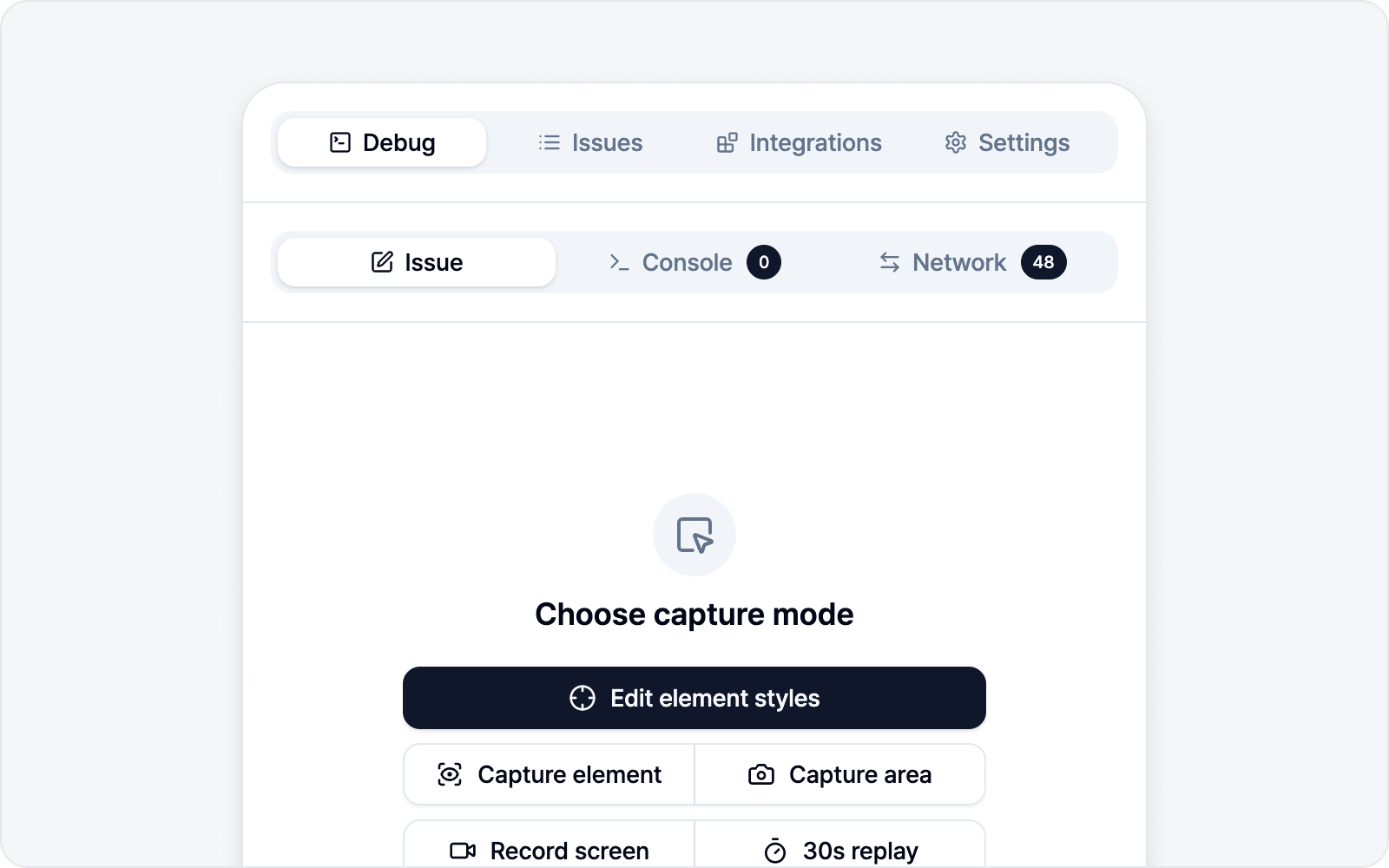 BugShot side panel main view — Debug, Issues, Integrations, Settings tabs
Jump to a section
Not sure where to start? Hop straight to whatever you need below.
- Quick Start — From install to your first submitted issue, in one flow.
- Integrations — Connect platforms and track issues.
- Settings — Issue body composition and AI connection.
- Inspect & Style — Pick a DOM element, edit its styles, and report.
- Screenshot — Capture the screen and mark it up.
- Recording — Live recording and 30s replay.
- Logs — View console/network logs and the log viewer.
- FAQ — Pricing, platforms, privacy, and other first questions.