
Logs
A bug report with logs attached gets to the root cause much faster. BugShot collects three kinds of them for you, automatically.
- Console logs — Output and errors the page printed.
- Network logs — Requests and responses that went out (WebSocket messages included).
- Action logs — What you actually did: clicks, typing, navigation. The "what I did" half of "I did this, and then this happened."
All three attach by default to every capture mode except element style editing (screenshot, write-issue, and recording), and they keep collecting the whole time the side panel is open — so whatever happened before you started capturing is already in there.
You'll meet these logs in two places.
- Live logs — Open and read the logs right inside the side panel. You can even file an issue from logs alone, without capturing anything.
- Log viewer — The screen for opening a log report (
logs.html) attached to an issue. It lines up the video and the logs by time — mainly a tool for the developer who receives and works the bug.
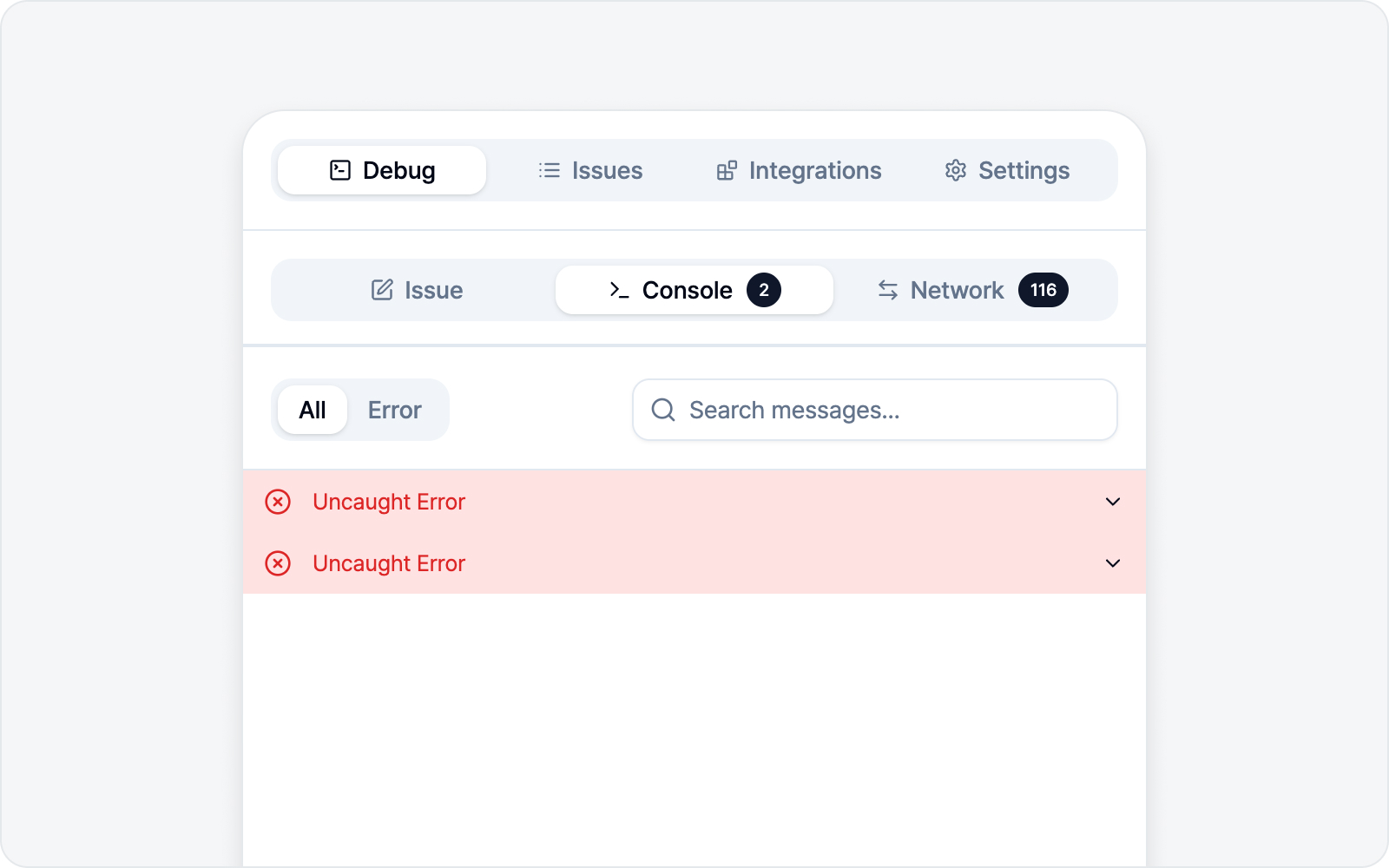 Logs overview
Jump to
- Live Logs — Read console/network in the panel + file a logs-only issue.
- Log Viewer — Opening an attached report, from the developer's side.