
General
Settings you set once and forget — like language and theme — all live in the General sub-tab. Nothing complicated here, so feel free to look around.
Language
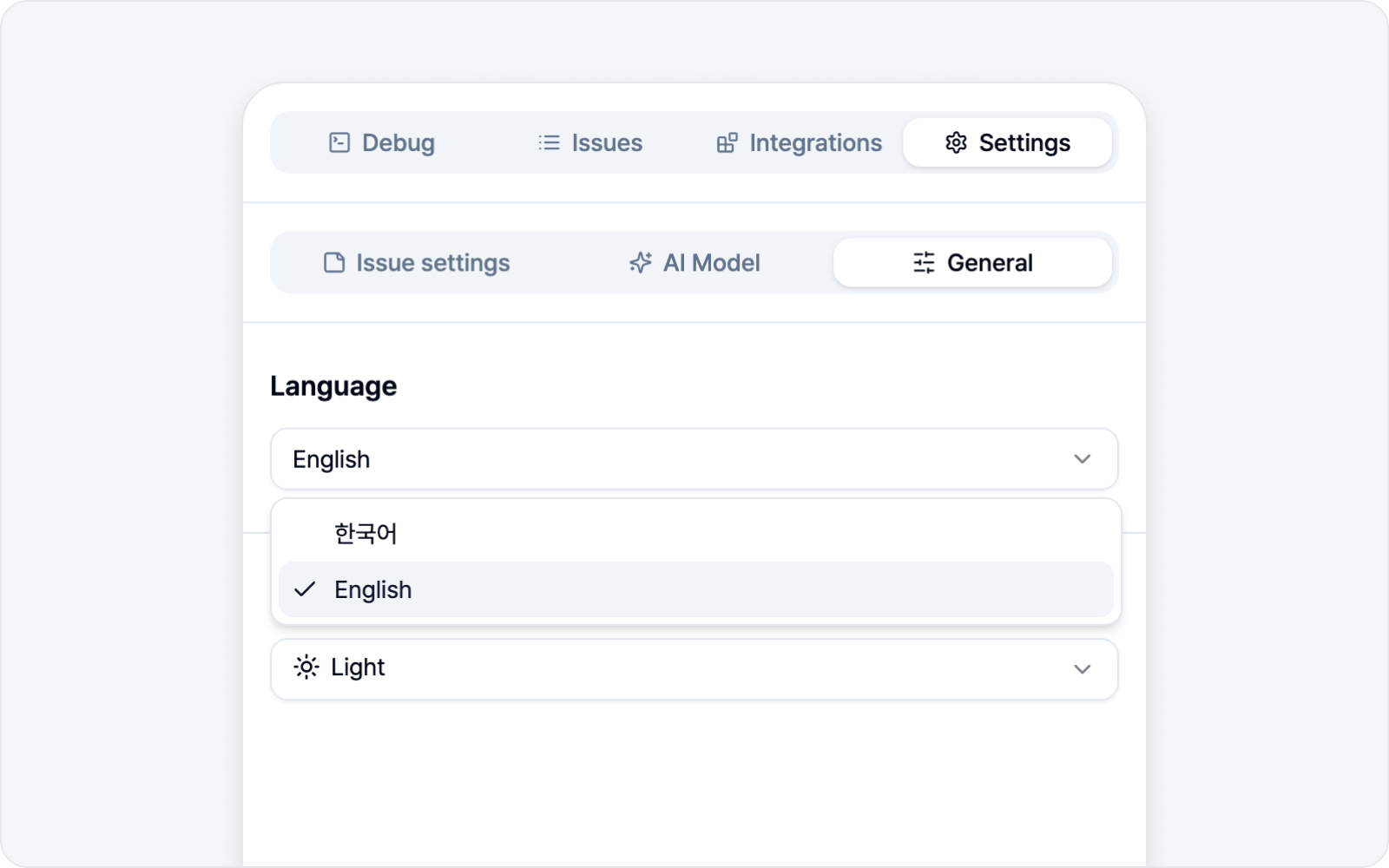 Language setting
Pick the display language for BugShot. You can choose 한국어 (Korean), English, Français (French), Español (Spanish), or Deutsch (German). The change applies across the whole side panel right away — no refresh needed.
The user guide is available in Korean and English. Set the language to Korean for the Korean guide; any other language opens the English one.
Theme
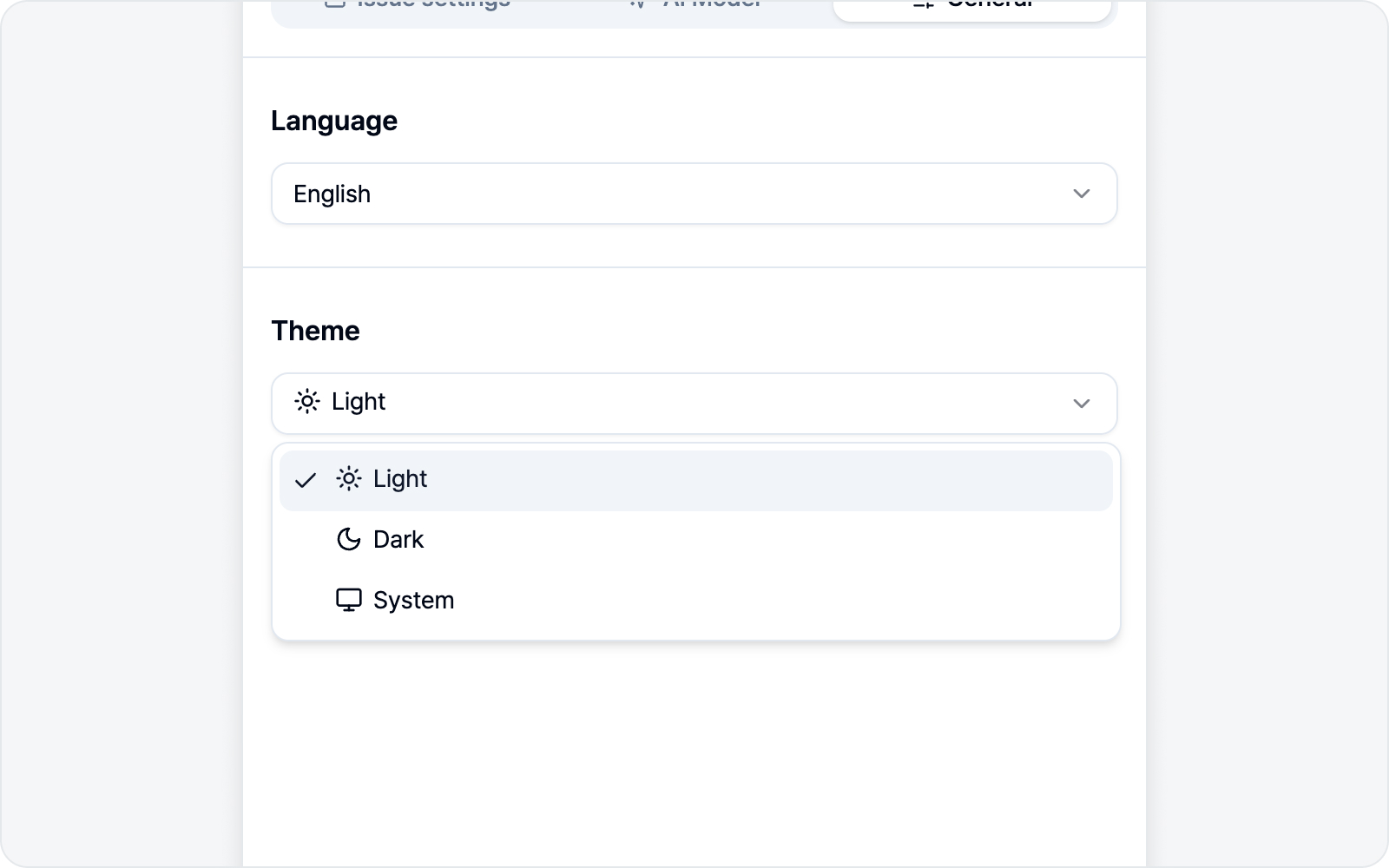 Theme setting
Choose how bright the panel looks. There are three options.
| Theme | What it does |
|---|---|
| Light | Bright interface |
| Dark | Dark interface |
| System | Follows your OS setting |
With System, BugShot goes dark automatically whenever your OS is in dark mode. If you'd rather not think about it, System is the easy pick.
Guide · Review · Contact
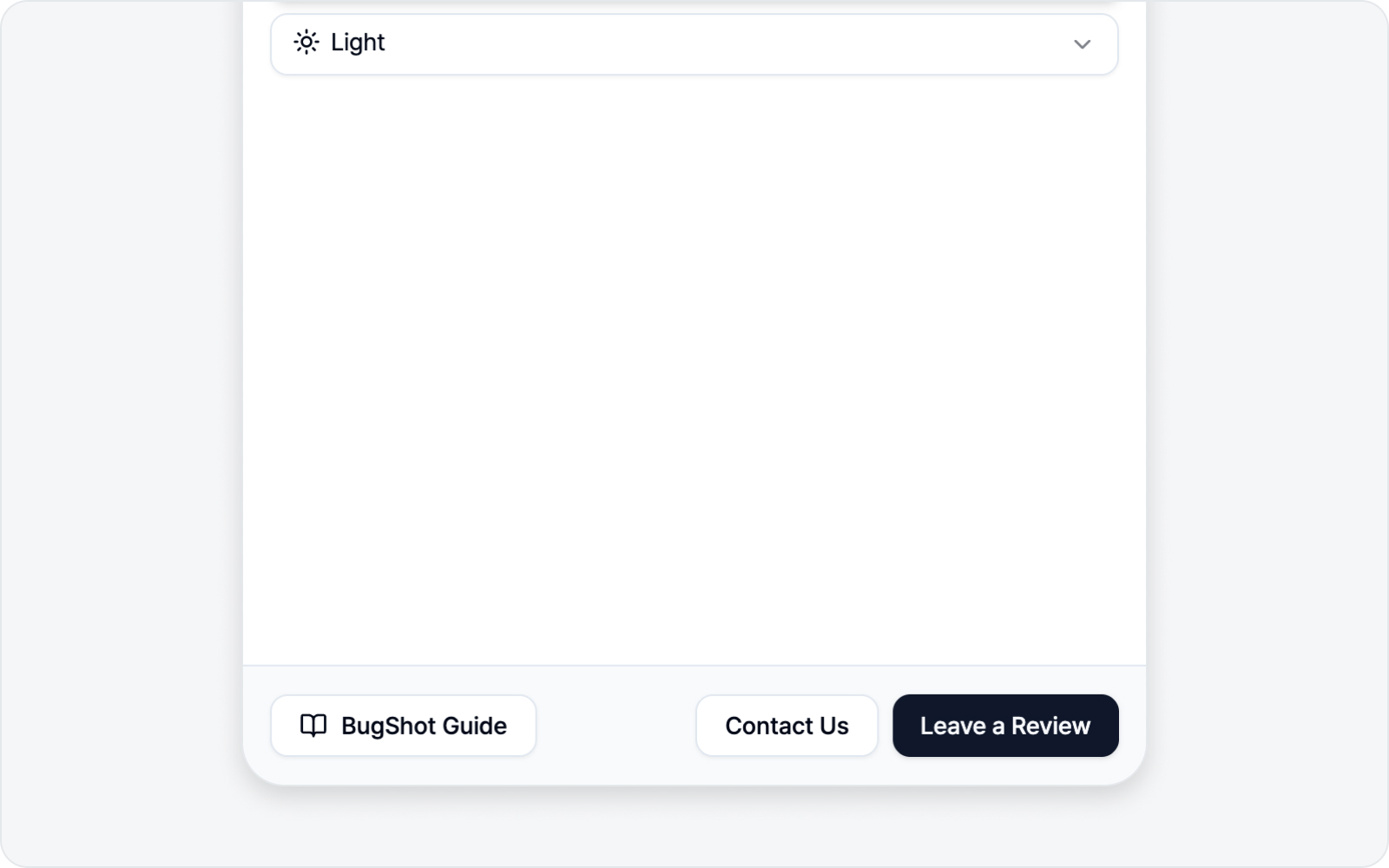 Guide, Review, and Contact buttons
At the bottom of the General tab you'll find three handy buttons.
- BugShot Guide — Opens the guide you're reading right now in a new tab, in your current language.
- Leave a Review — Takes you to BugShot's review page on the Chrome Web Store. If it's been helpful, a quick word means a lot to us.
- Contact Us — Opens an email so you can ask a question or report a bug. Stuck on something? Don't hesitate to reach out.