
Inspect & Style
Pick an element on the page, edit its styles, and report it with before and after side by side. Instead of describing "this button needs more padding" in words, you just show it.
The flow is simpler than you'd expect — click an element → edit styles live → write the issue with before/after. You can even bundle several elements into one issue.
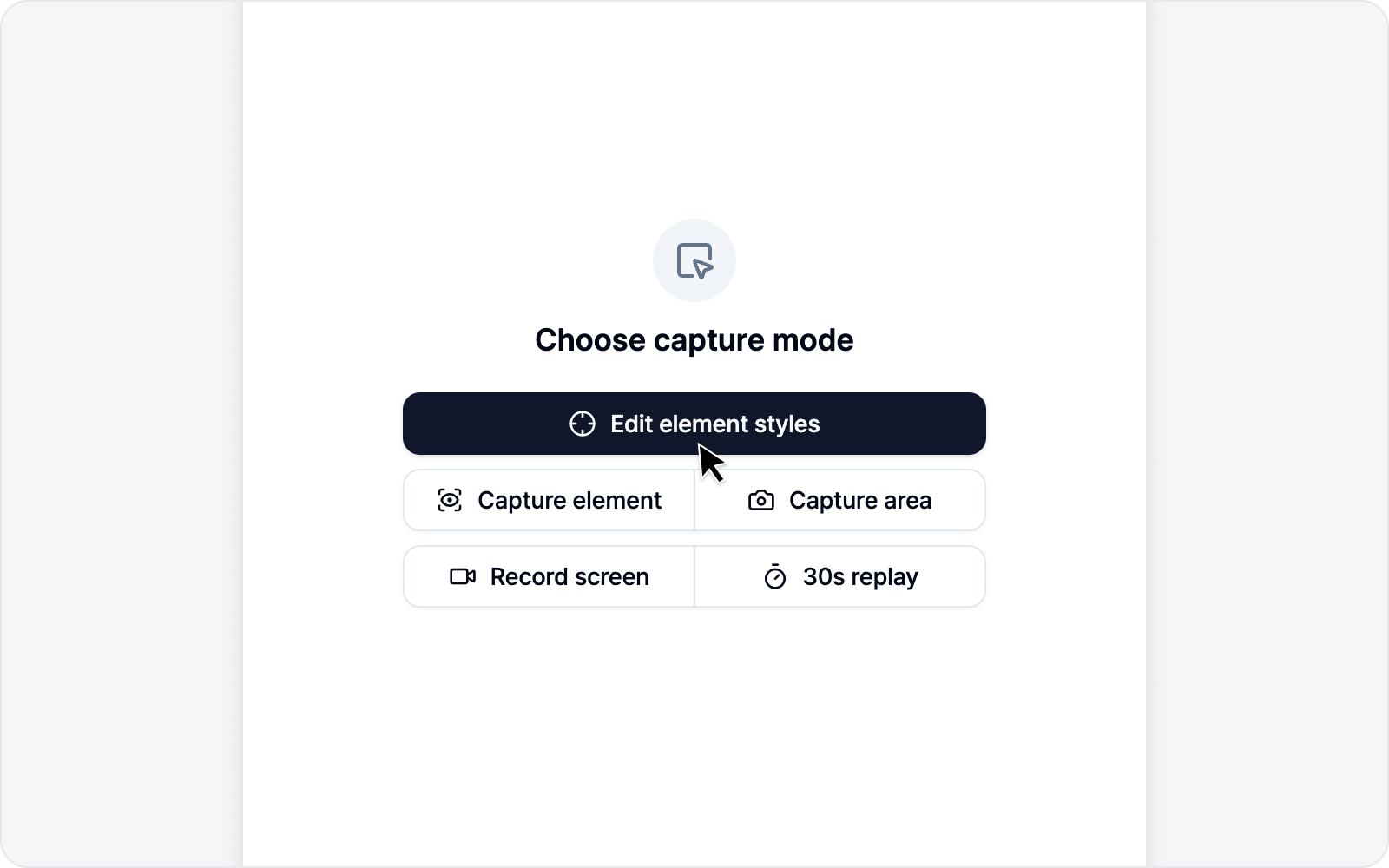 Element mode overview
Jump to
- Pick an Element — Select an element and move through the DOM tree.
- Styling — Edit with the style panel or let AI do it.
- Write an Issue — Submit an issue with before/after.