
Recording
Some bugs are hard to capture in a still — flicker, animation, problems that only reproduce after several steps. A video is the surest way to show them, and that's exactly why BugShot gives you two ways to record.
- Live recording — Hit the button to record from now. Pick Record tab to capture just the tab you're on, or Record screen for the full screen or another window.
- 30s replay — The last 30 seconds of your screen are always kept, so right after you spot a bug you can attach what just happened (just turn it on in settings first).
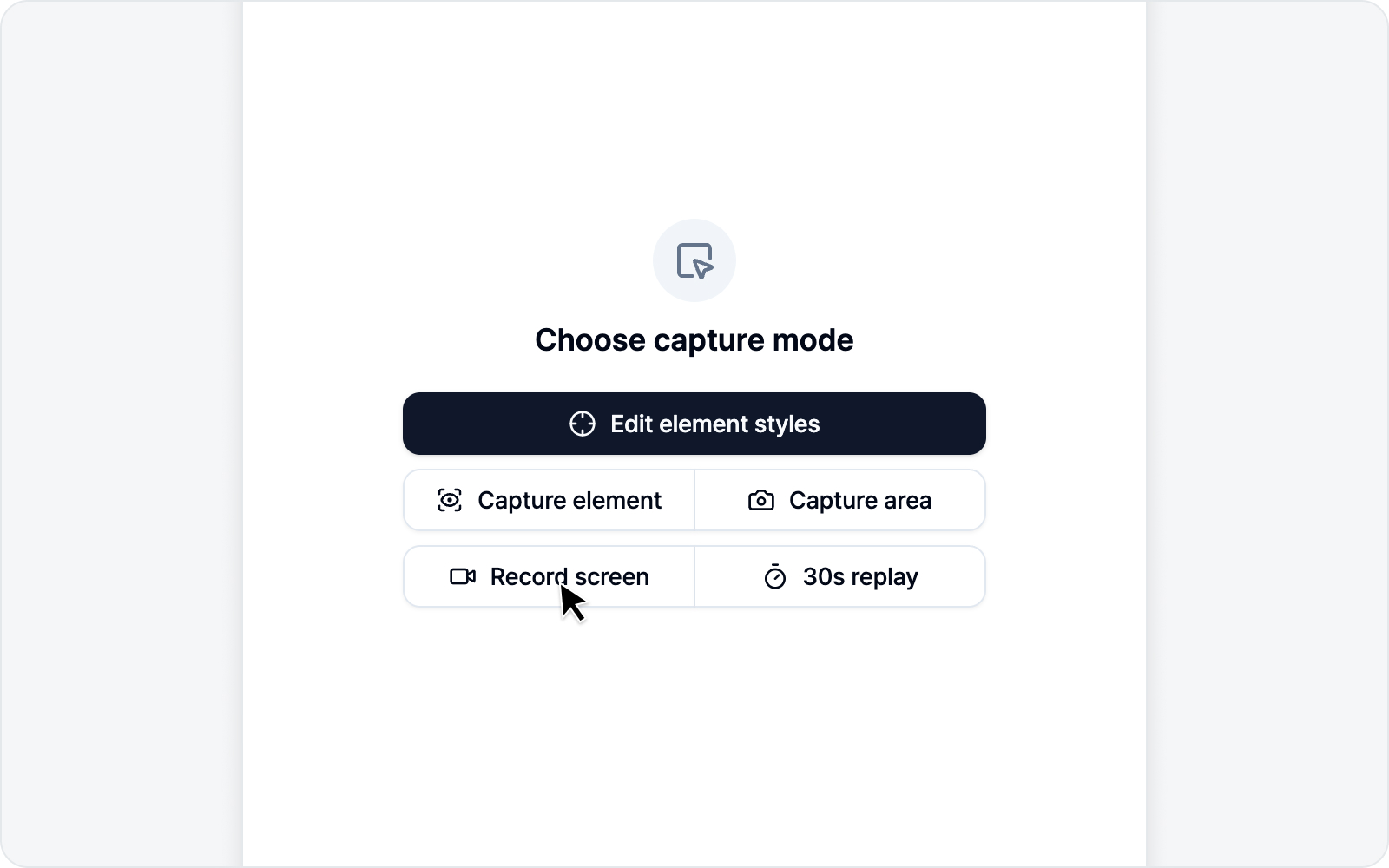 Recording mode overview
Jump to
- Live Recording — Start recording from now.
- 30s Replay — Rewind and attach the last 30 seconds.
- Write an Issue — Submit with the video and logs.