
Screenshot
Capture a region of the screen, draw on it to point out the bug, and file it as an issue. It's the fastest, most intuitive route — easy to reach for even on day one.
You can start two ways — Screenshot to pick a part of the screen, or Capture element to crop a single element — and the flow is capture → annotate → write the issue.
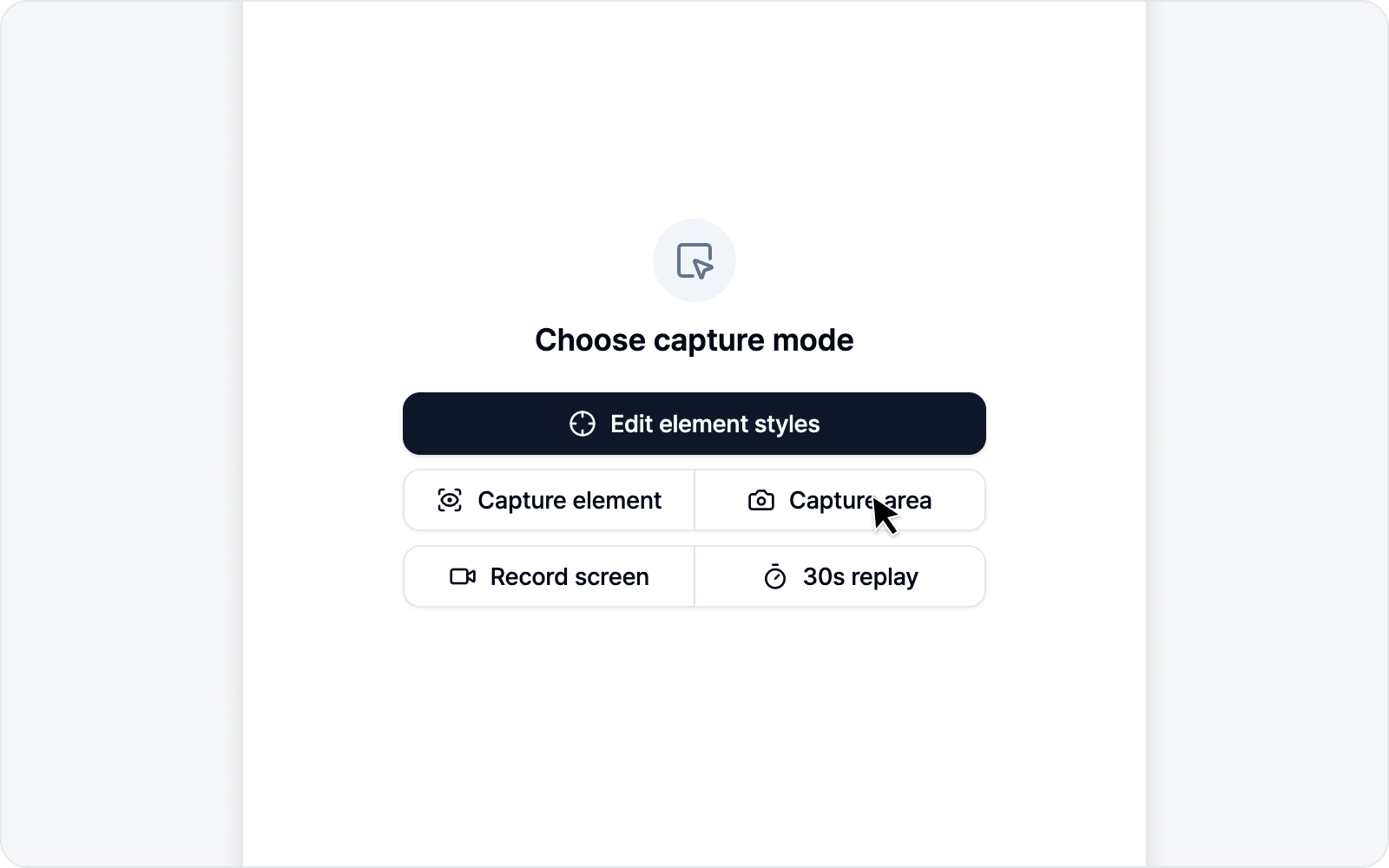 Screenshot mode overview
Jump to
- Capture — Drag a region or pick a single element.
- Annotation — Draw on the captured image.
- Write an Issue — Submit with the annotated screenshot.